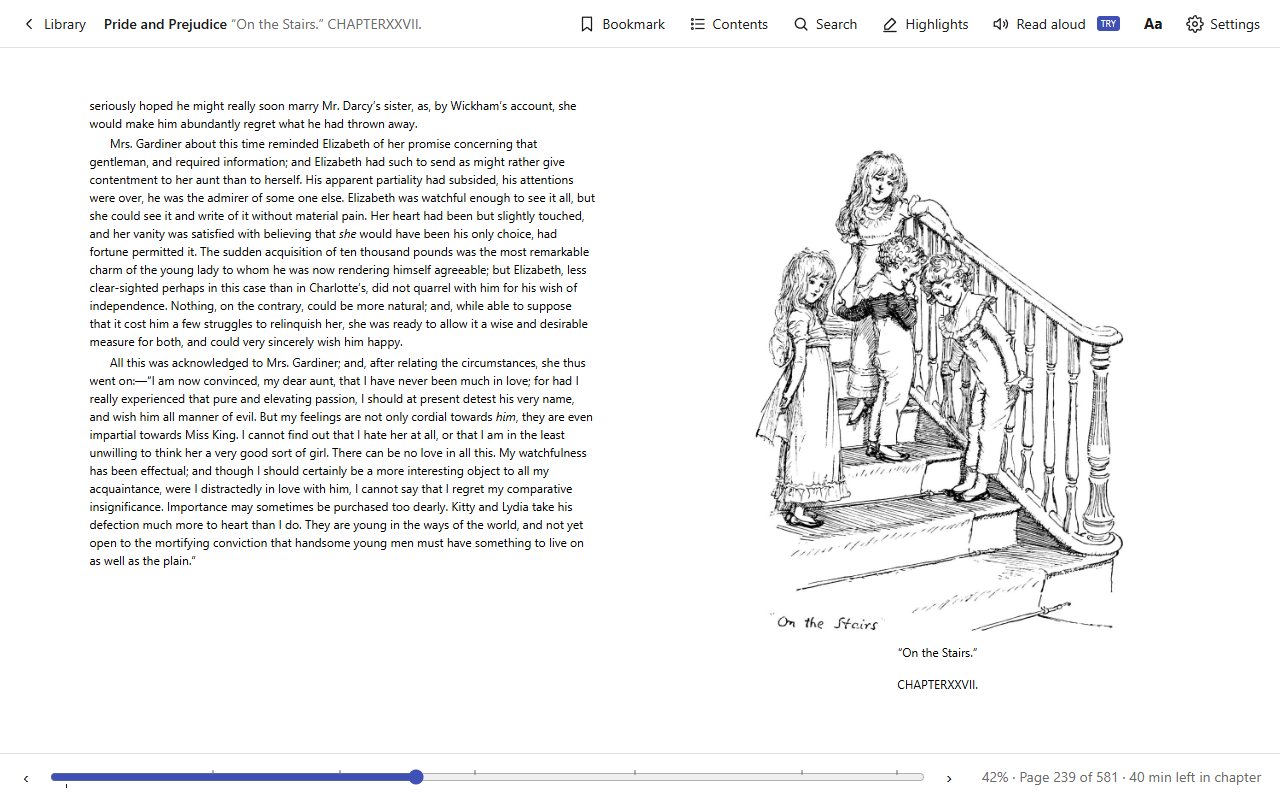
Page numbers that stay putPage 59 stays page 59 when you change the font size. Time left in the chapter.
Highlights and notesFour colours, notes right where you select the text, all in one list.
BookmarksMark a page with one click or the b key, find it next to the contents.
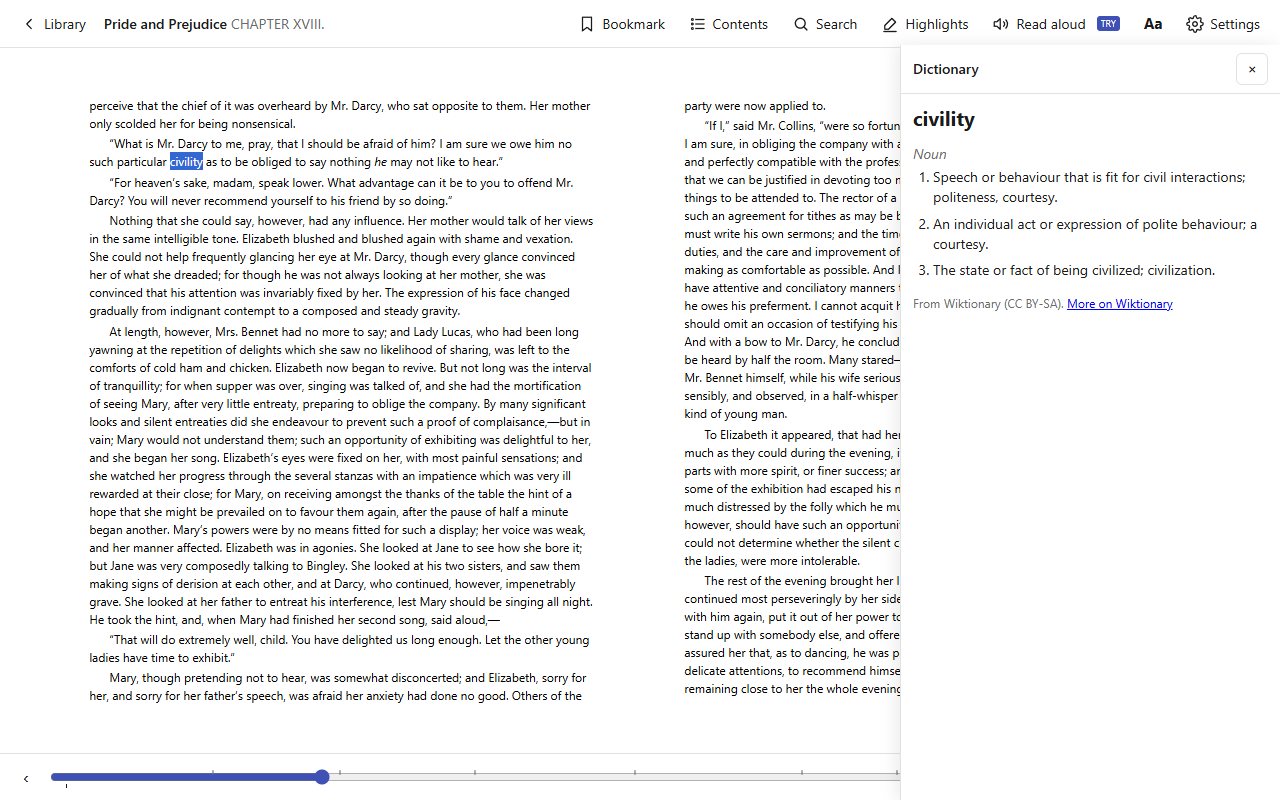
DictionarySelect a word and click Define to see its meaning, from Wiktionary.
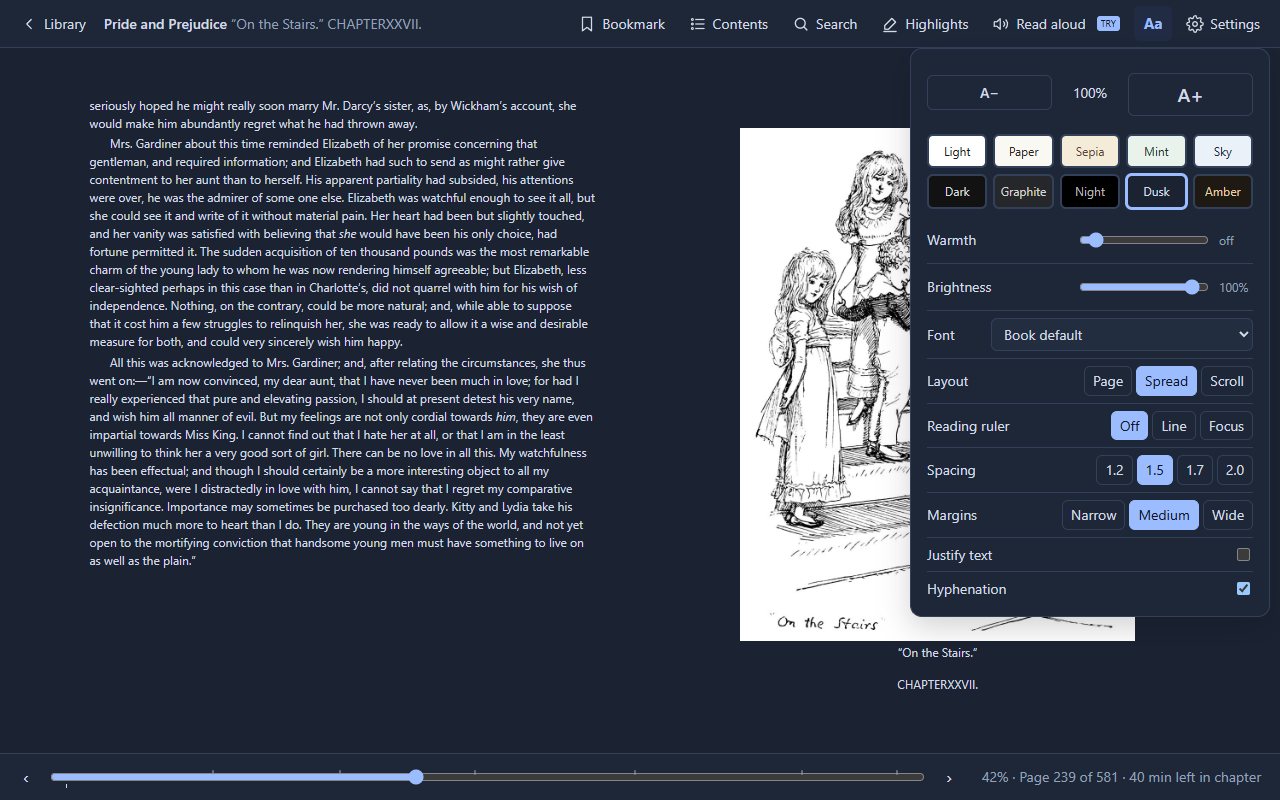
Ten themesFive light and five dark, with warmth and brightness for reading at night.
Fonts for every readerLiterata, Atkinson Hyperlegible and OpenDyslexic, plus spacing and margins.
Reading rulerKeep one line in focus, a help for dyslexia and ADHD.
Pages, spread or scrollOne page, two pages side by side, or one long scroll.
Search the whole bookEvery match, grouped by chapter, highlighted on the page.
Pictures up closeClick any image to view it large, zoom and rotate.
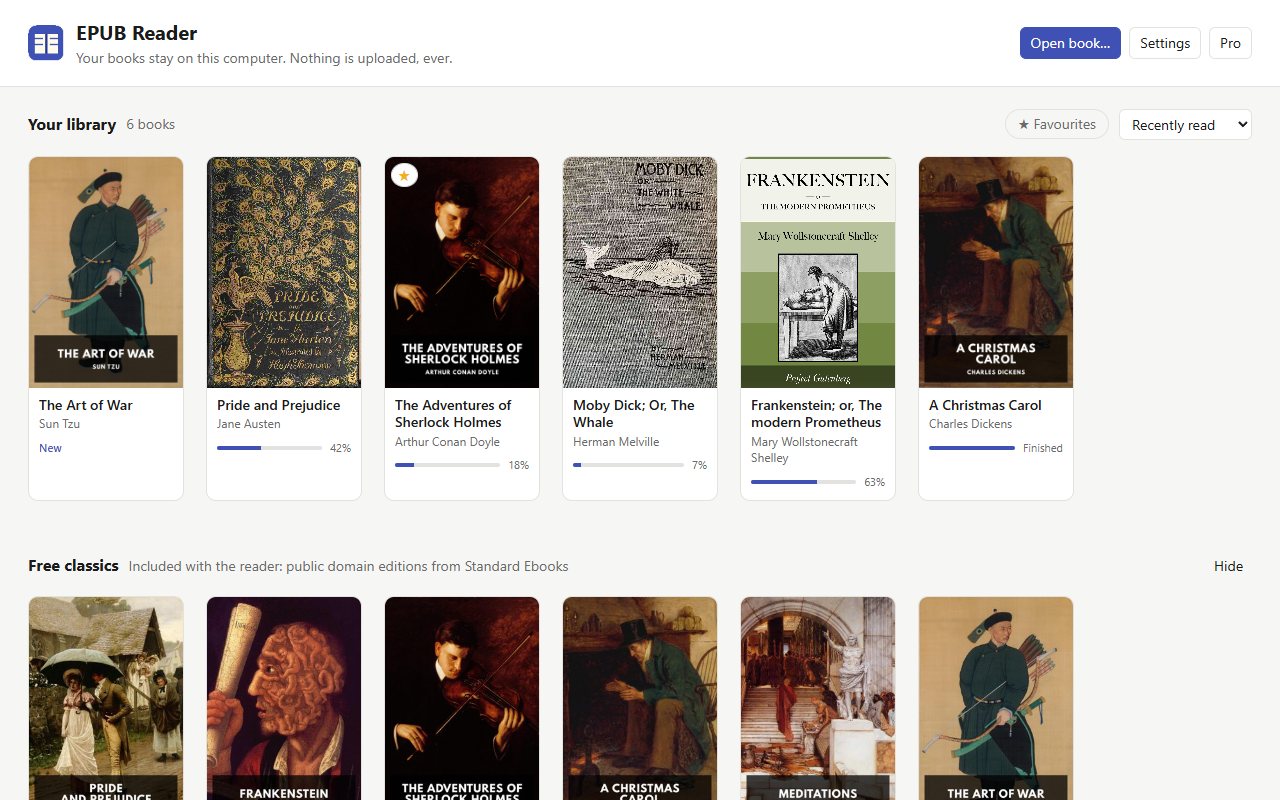
Six classics includedPride and Prejudice, Frankenstein, Sherlock Holmes and more, ready to read.
Read aloudThree free minutes a day; unlimited with Pro, a one-time purchase.
 EPUB Reader